OpenScenes
Building a prompt-to-presentation workspace where users can generate, edit, preview, and render complete video stories.
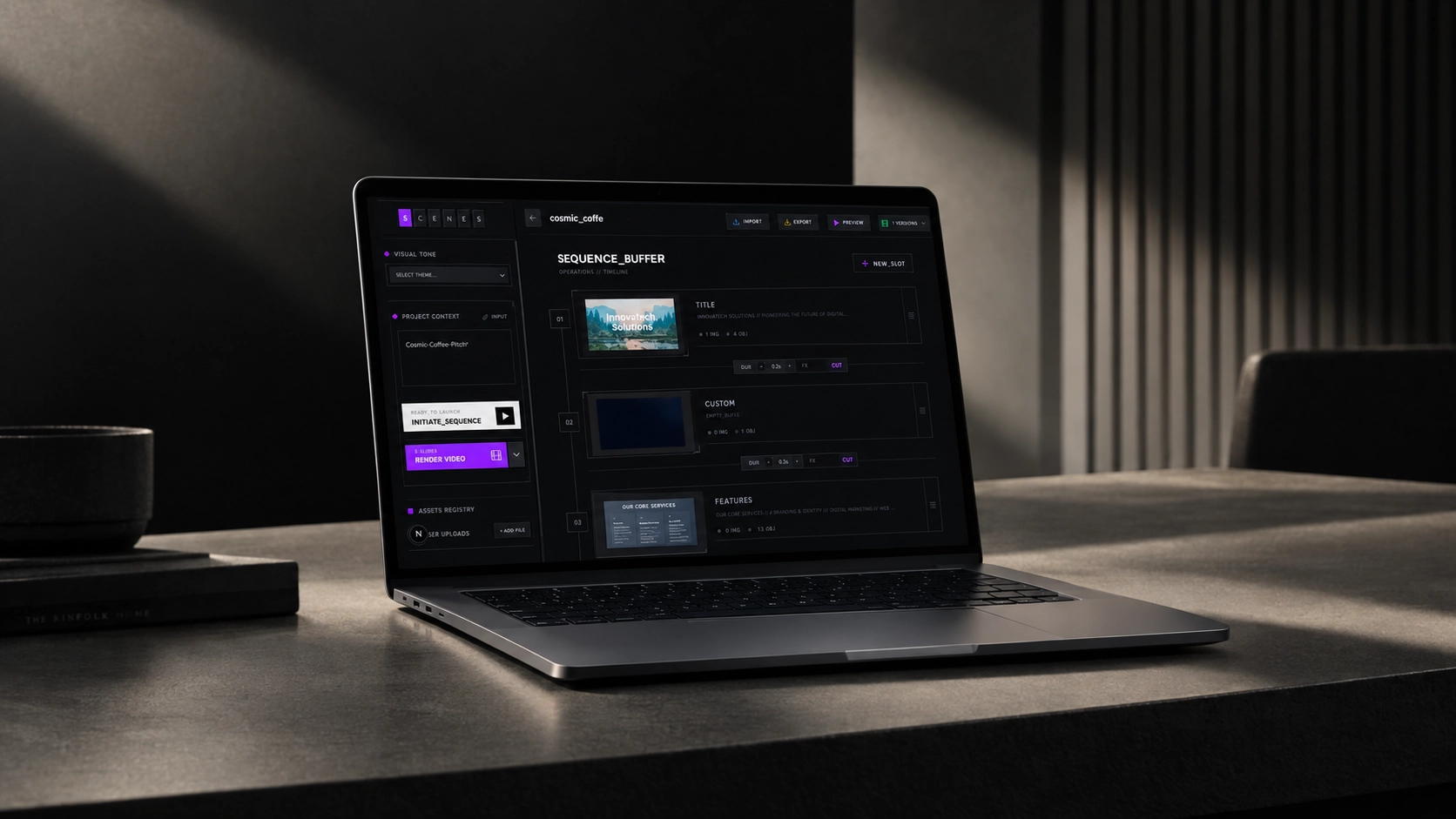
From an idea to an editable video system.
OpenScenes transforms a prompt into a structured presentation, then keeps every slide available for direct and natural-language editing. Users can change the whole deck, one slide, or a single element without starting over.
Behind the editor, separate AI and render workers coordinate generation, media assets, previews, job state, and Remotion video export through a distributed infrastructure stack.
Creative tooling across the full stack
- Multi-agent content generation
- Structured slide data model
- Natural-language editing
- Interactive visual editor
- Distributed render workers
- Media and job infrastructure
Generation alone was not a usable creative workflow.
A one-shot AI output gives users little control. A serious presentation tool needs structured content, predictable revisions, asset management, direct manipulation, real-time preview, versioning, and a reliable path to rendered video.
The product also needed to keep slow AI and rendering jobs away from the request cycle while making progress, cancellation, and completed output visible in the editor.
- 1.
One-shot generations leaving no creative control
- 2.
Edits affecting different levels of the story
- 3.
Slow generation and rendering blocking the editor
- 4.
Media, versions, and output split across tools
What We Were Really Solving
The product needed to connect machine generation with the judgment and control of a real creative workspace.
-
Keep generated work editable
Create structured slide data instead of flattened visual output.
-
Make revision scopes predictable
Support changes to the whole story, one slide, or one element.
-
Connect many creative tools
Bring generation, assets, sequencing, preview, and versions together.
-
Scale the path to video
Move long-running media work into resilient distributed jobs.
A workspace backed by distributed jobs
The interface operates on structured slide data while specialized services handle generation and rendering asynchronously.
- 01
Direct
A multi-agent pipeline interprets intent, plans the narrative, generates slide structures, and validates the result.
- 02
Edit
Natural-language instructions can target the entire presentation, a selected slide, or one element.
- 03
Preview
The interactive canvas supports direct manipulation, assets, themes, timing, and presentation playback.
- 04
Render
Queued workers use Remotion to create exportable video while Redis and object storage track state and output.
A creative system, not a prompt box
Structured editing and distributed execution turn generative output into a controllable product workflow.
- 01
Multi-agent generation
Specialist roles summarize the brief, direct the story, generate slide data, and validate the final sequence.
- 02
Tiered editing model
Users can make broad stylistic changes or focused element updates with natural language.
- 03
Interactive sequence editor
The workspace combines timeline control, assets, direct edits, preview, versions, and export.
- 04
Distributed video rendering
RabbitMQ, Redis, stateless workers, MinIO, and Remotion keep long-running jobs resilient and scalable.
AI, editor, and media infrastructure
Generative pipeline
Gemini-powered roles convert an open prompt into a coherent, structured sequence.
Structured content model
Slides and elements remain editable because generation produces data, not a flattened image.
Natural-language revisions
Targeted edit scopes make broad and detailed changes predictable.
Visual editing workspace
Users control media, composition, colors, timing, preview, and slide order in one interface.
Render infrastructure
Independent workers create video output without blocking the web application.
Persistent project state
PostgreSQL, Redis, and object storage coordinate presentation data, job state, and media output.
AI generation with real creative control
OpenScenes demonstrates product depth across generative workflows, structured editing, interface design, distributed systems, and media rendering.
The result moves beyond a one-click demo into an editable production workflow that can carry a presentation from prompt to video.
Building a complex product? Let’s make it clear, useful, and shippable.
We design and engineer complex products from strategy through production.